Grafana IRM

Integrate with Grafana IRM to manage access during on-call events

Grafana IRM is an incident response management platform that helps teams coordinate on-call rotations and respond effectively to critical incidents.

Through this integration, Apono enables your on-call staff to securely request and manage access to resources with just-in-time permissions, ensuring only the right people have access at the right time during critical events.

With this integration, you can:

  • Enforce just-in-time access for on-call engineers

  • Reduce risk by removing access when on-call shifts end

  • Align incident response responsibilities with least-privilege access


Prerequisite

Item
Description

Grafana Portal URL

Public URL of your Grafana portal

Example: https://your-org.grafana.net

Grafana API key

Randomly generated string used as an alternative to a password when accessing Grafana’s HTTP API

The API token must contain the following roles:

  • IRM: Schedules Reader

  • IRM: User Settings Reader

Be sure to copy the key after it has been generated.

Grafana OnCall URL

Base URL of your Grafana IRM OnCall API endpoint

Follow these steps to obtain the URL:

  1. In Grafana, click Alerts & IRM > IRM > Settings > Admin & API tab.

  2. Under OnCall API URL, copy the URL. Example: https://incident-prod-us-east-3.grafana.net/oncall.


Integrate Grafana IRM

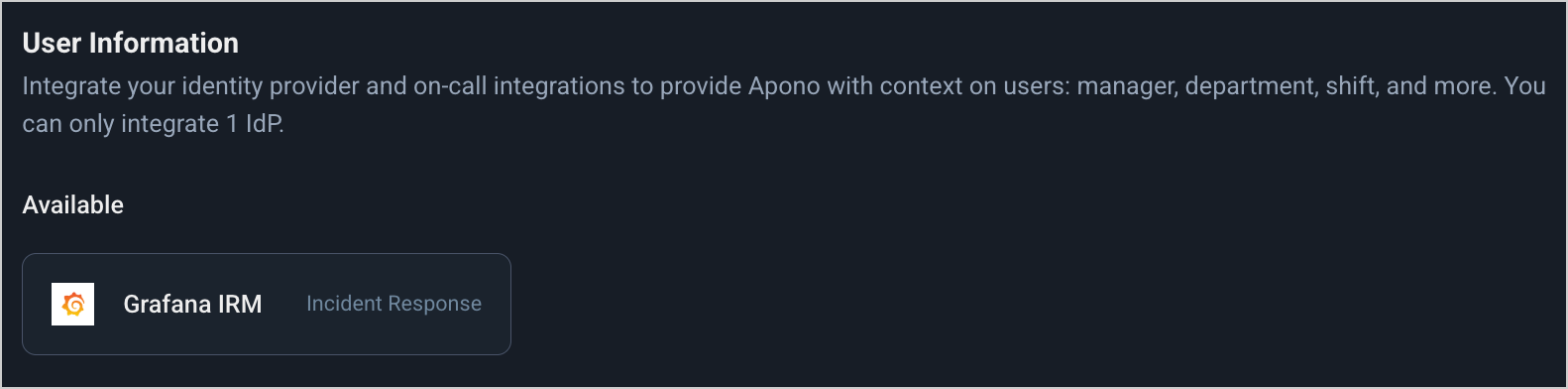
Grafana IRM tile

Follow these steps to complete the integration:

  1. On the Catalog tab, click Grafana IRM. The Add Integration page appears.

  2. Enter a unique, alphanumeric, user-friendly Integration Name. This name is used to identify the integration when constructing an access flow.

  3. Enter your Grafana Portal URL.

  4. Enter your Grafana OnCall URL.

  5. Under Secret Store, on the APONO tab, enter your Grafana Api Key.

  6. Click Connect.

Usage

Now that you have completed this integration, you can use Grafana IRM to define the grantee or approver in an access flow.

You can configure access flows using Grafana IRM in the following ways.

Use
Example

Define a grantee

Allow the current on-call engineer to request access to specific resources

Follow the guidance in these articles to use Grafana IRM to define a grantee:

Define an approver

Allow the current on-call engineer to approve access requests to specific resources

Follow the guidance in this article to use Grafana IRM to define a grantee:

Last updated

Was this helpful?